Fio Smartbroker
Are you considering starting to invest? Or are you already investing and want to have your investments always at hand? Fio Smartbroker is an investment application that allows you to constantly monitor the situation on domestic and selected global markets and conveniently invest truly anytime and anywhere.
When investing, you are not limited by a minimum amount, and you can easily get to know the application thanks to the guide that starts when you first open it. It is up to you how much, when, and how often you will invest.
Why choose Smartbroker
- It is designed for both beginners and experienced investors and is free of charge.
- Wide range of investments - stocks, bonds, ETFs, etc.
- Access to domestic and foreign markets (Czech Republic, Germany, USA).
- Manage all your investment accounts.
- TIP: You can now filter transactions more clearly and find a specific trade or order more easily.
Maximum security
The application complies with modern security standards. Access is protected by a password, and transaction authorization is further protected by a PIN; alternatively, biometrics (fingerprint or face recognition) can be used in both cases.





Why invest with us
- We do not charge fees based on portfolio value, but only for executed trades.
- We have some of the most competitive investment fees.
- We offer a free comprehensive analytical service and Investment School (see tips below).
- You can use the background of more than 80 branches across the Czech Republic.
- Fio banka is one of the largest online brokers in the Czech Republic with experience since 1993.
Check it in the price list / calculator.
How to start: step by step
- You need a trading account for investing, which you can easily set up in the Fio Smartbanking or Internetbanking app. If you are not yet a client, you can open a trading account for investing at one of our branches (see the link below for more information).
- You will fill out an investment questionnaire, which will help us determine your investment profile based on the selected services using questions focused on, among other things, your knowledge and experience in investing, financial background, investment goals and expectations, ESG preferences, and more. You can find it in e-Broker, Smartbanking, or Internetbanking.
- Download Smartbroker from the App Store or Google Play and activate it using a simple guide.
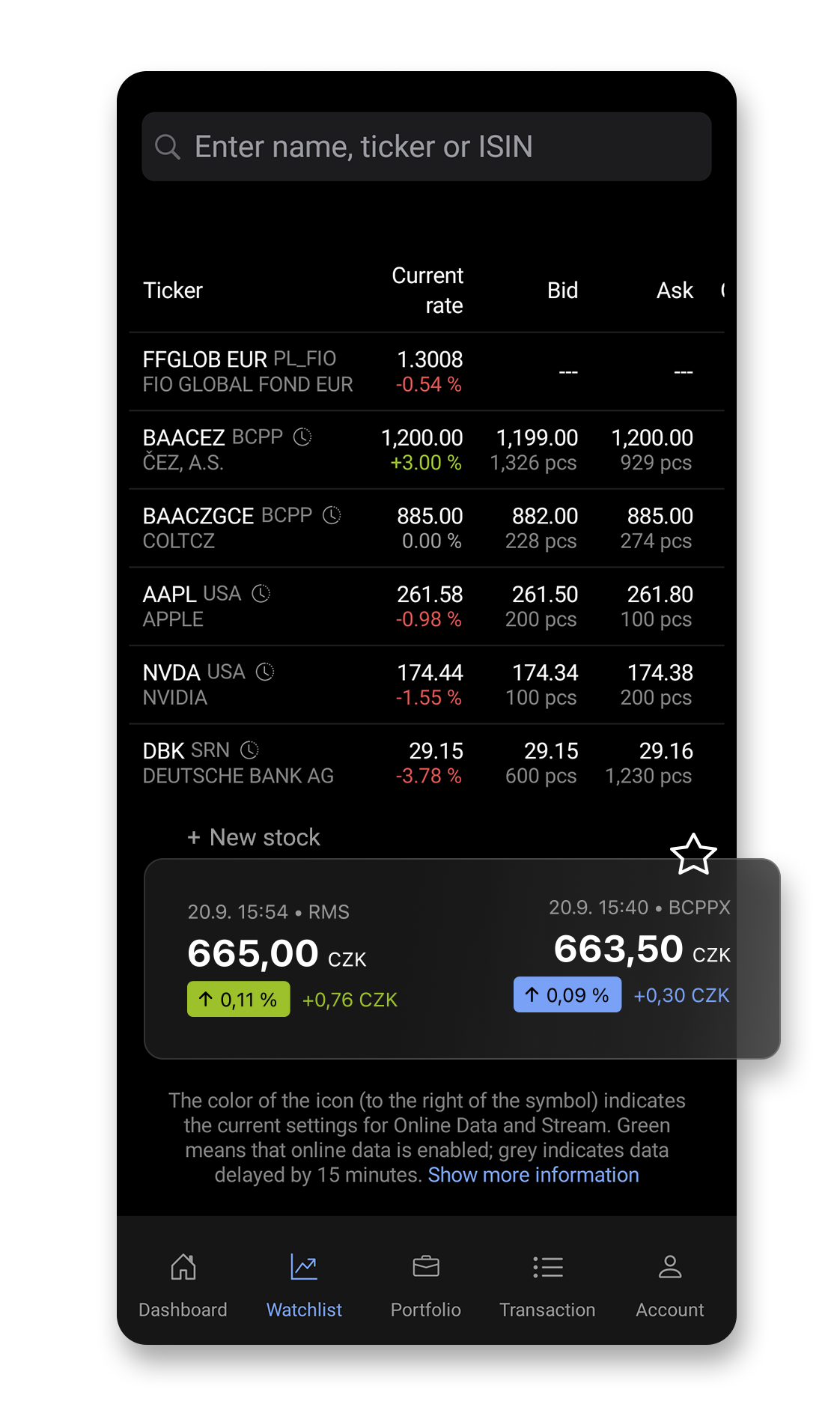
- Thanks to the application, you can monitor the market situation, search for interesting investment opportunities, and create your Watchlist.
- And you're ready - whenever you sense an opportunity, you can purchase selected investment instruments. Buying or selling is a matter of a few seconds.
OUR TIPS
- We will introduce you to the world of investing at our free Investment School seminars, which we hold in regular cycles.
- Our news, analysis, and investment research can help you monitor market events and make investment decisions.
NOTICE
Investing in investment instruments may not be suitable for everyone and involves risks. The return of the originally invested amount is not guaranteed. Investments in investment instruments are risky and can be loss-making under unfavorable circumstances. The value of an investment can both rise and fall. Detailed information can be found here.
What you will find in the app
Dashboard: Quick overview
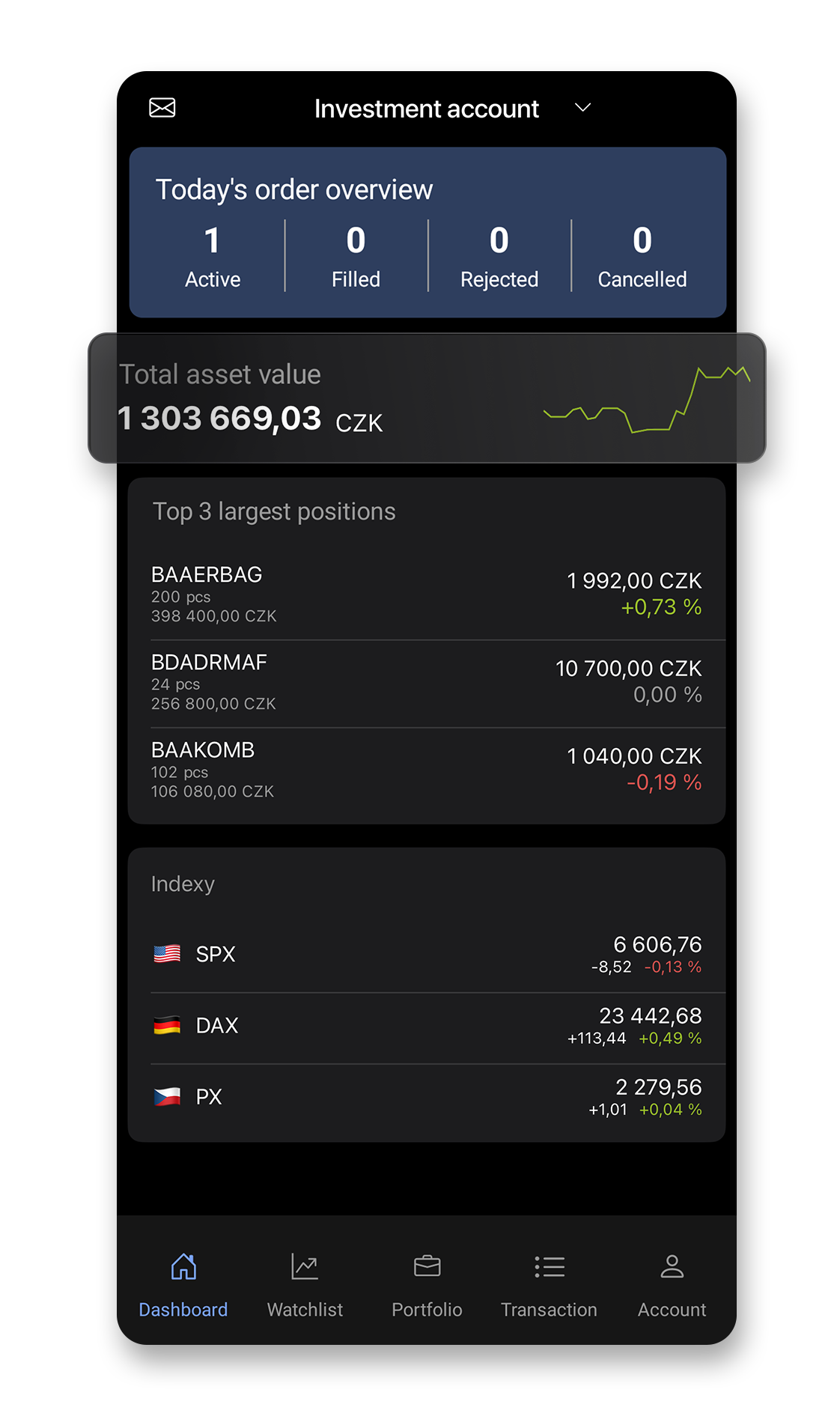
The homepage keeps you in the picture. You see an overview of instructions for the current day, the status of your assets, top 3 positions, and the development of major indices.
Watchlist: Follow what interests you
Monitor the development of stocks, ETFs, and other securities in your own Watchlist. Simply search for your favorite titles and add them to the list by pressing the star.
Portfolio always under control
You can monitor your investments online at any time, including development charts. You can also see the total status of your assets, which you can hide if necessary (by pressing the eye icon in the top right corner).
Transactions in one place
View an overview of active and inactive orders and executed trades. Easily filter them by time period, ticker or market.
Account in a nutshell
The Account section provides details of your account and its structure in clear charts plus access to the Global App Settings. If you have multiple investment accounts, you can switch between them at the top of the screen.
- Global settings: You can explore app setting options in the Account section under the slider icon at the top left. For example, selecting exchange rates or using biometrics. You will also find the App Guide here.
How to buy and sell
The search bar, found in the Watchlist or Portfolio section, is used for quick search and display of a security.
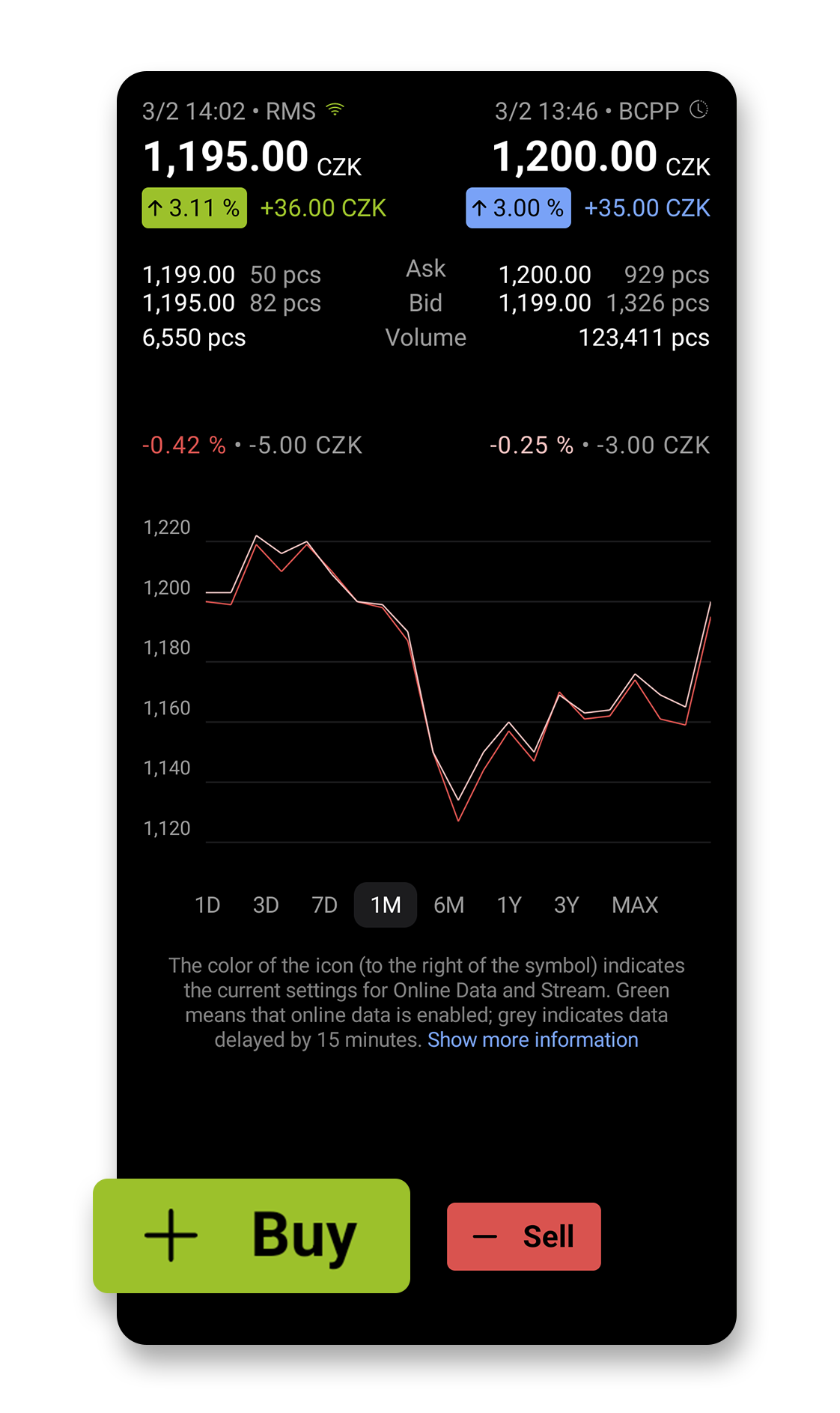
You can buy or sell securities at any time simply on their detail page, and conveniently and quickly by long-pressing the bid/ask on the Watchlist. On the purchase instruction at the bottom left, you can see your buying power, i.e., the money you have available. For a sell instruction, you see the total number of units of the given security you have in your portfolio.
- Details about buying/selling, types of instructions, and other useful information can be found in the FAQ section.


